
VerdictAI

Reviewer consensus · 2026

Best Portable Monitors of 2026What 10 reviewers actually think, trust-weighted

Portable monitors span a wide range, from sub-$60 1080p travel panels to larger 4K USB-C displays that double as desk screens. It's worth being upfront: across this candidate pool, only the Dell S2725QC carried independent expert and high-trust retailer signals, while most of the rest are backed almost entirely by Amazon star ratings, which are useful but demonstrably gameable. The synthesis below weights the limited high-trust evidence heavily and treats large Amazon review counts as supporting, not decisive, signal.

Sources behind this verdict

10 reviewers, weighted by source trust

10reviewers read

Weighted by source trust

We don’t review products. We read what other reviewers wrote, score each source for trustworthiness, and synthesize the consensus.

How sources are scored →

Trust hierarchy

Trusted0
Verified0
Supporting7
Flagged0

Source mix

10signals
  • 6Community
  • 4Video

At a glance

Compare

Pick any two for a head-to-head

Scores, pros, cons, and our verdict — side by side.

vs

Highest-rated by the consensus

#1 of 7
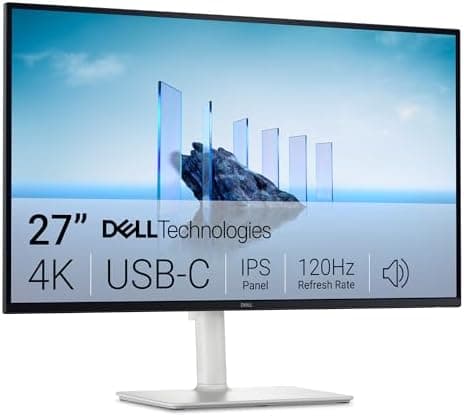
Top pick · #1Dell 27 Plus 4K USB-C Monitor - S2725QC - 27-inch 4K (3840 x 2160) 120Hz 16:9 Display, AMD FreeSync Premium…
Best overall

Dell 27 Plus 4K USB-C Monitor - S2725QC - 27-inch 4K (3840 x 2160) 120Hz 16:9 Display, AMD FreeSync Premium…

Dell

★★★★★4.4(617)85Great

Across the reviewers we read, the Dell S2725QC stands out as the best-documented option in this pool. rtings.com tested it and frames it as a strong general-purpose and office display with low input lag and a 120Hz refresh rate, while explicitly calling it 'mediocre for PC gaming' — a caveat worth weighing if frame rates are your priority.

The rest of the rankings

#2,7

Frequently asked

5 questions
Do I need a USB-C laptop to use a portable monitor?
Not necessarily. Most models in this roundup offer both USB-C and HDMI inputs. A single USB-C cable that carries video and power is the most convenient setup, but it requires a host port that supports DisplayPort Alt Mode; otherwise you'll use HDMI for video plus a separate USB cable or wall adapter for power. Check your laptop's port spec before buying.
Is a 4K portable monitor worth it over 1080p?
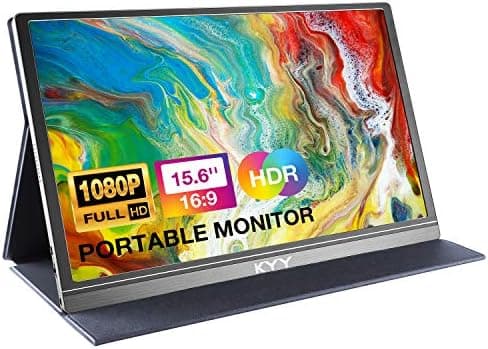
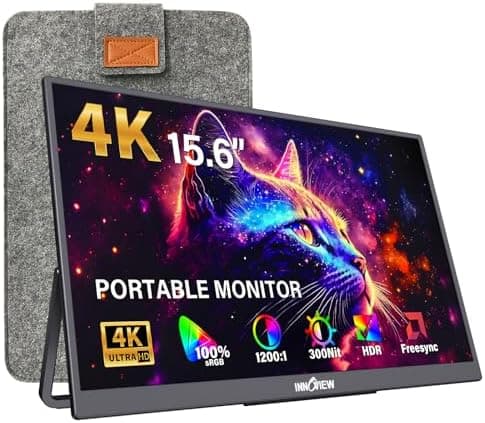
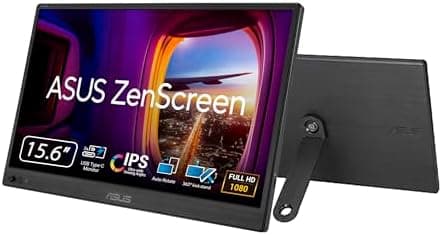
For text clarity, photo work, and media, reviewers generally find 4K noticeably sharper on a 15.6-inch panel, but it costs more and draws more power over USB-C. For a travel second screen used mainly for spreadsheets, email, and browsing, a 1080p panel like the budget picks here delivers most of the practical benefit at a fraction of the price.
Can portable monitors run consoles like PS5, Xbox, and Switch?
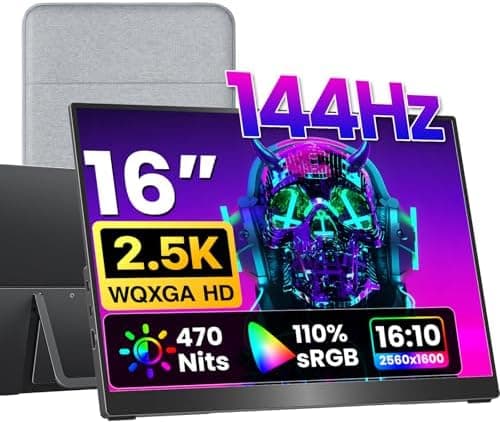
Yes. Most of these panels accept HDMI input and are commonly used with PS5, Xbox, and Nintendo Switch. Note that many max out at 60Hz, so the high-refresh gaming pick is the one to prioritize if smooth frame rates matter; also confirm the panel's resolution matches what the console outputs.
Are the built-in speakers on portable monitors any good?
Across the reviewers we read, integrated speakers on portable and budget monitors are typically described as adequate for video calls and casual viewing but weak for music or gaming. If audio quality matters, plan on headphones or external speakers.
Why is a 27-inch monitor included in a portable monitor list?
The Dell S2725QC appears in this candidate pool and is a single-cable USB-C display with a kickstand, but it is a desk-oriented monitor rather than a true travel panel. We include it because it carries by far the strongest independent testing evidence here, but if you need something to slip into a laptop bag, the 15.6- and 16-inch picks are the genuinely portable options.