VerdictAI

Buying guide · 2026

Best Wi-Fi Range Extenders

Wi-Fi range extenders remain one of the most-searched home networking fixes, but the category is crowded with rebranded no-name boosters making implausible coverage claims. This roundup synthesizes what mainstream reviewers (PCMag, Engadget, CNET) and high-volume verified-purchase customers on Amazon have written about the current crop, weighting established expert coverage and large review pools over thinly-reviewed listings with suspicious '15,000 sq.ft.' marketing.

At a glance

Our top pick

#1 of 5
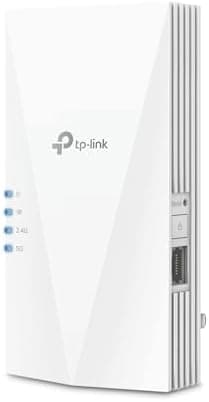
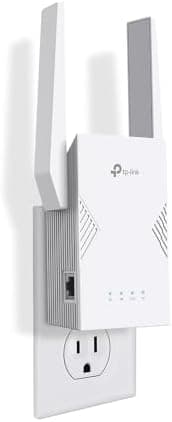
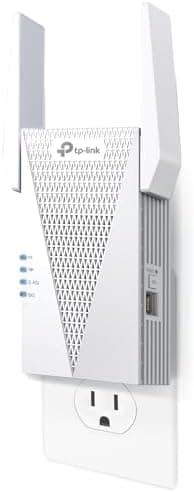
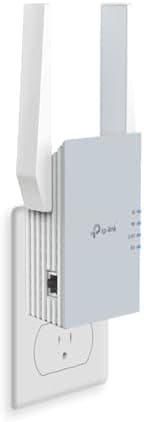
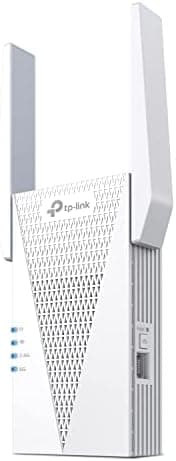
Top pick · #1TP-Link AX3000 WiFi 6 Range Extender | PCMag Editor's Choice | Dual-Band Wireless Repeater w/Ethernet Port |…
Best Wi-Fi 6 extender

TP-Link AX3000 WiFi 6 Range Extender | PCMag Editor's Choice | Dual-Band Wireless Repeater w/Ethernet Port |…

TP-Link

★★★★★4.2(3,863)86Great

Across the reviewers we read, the TP-Link RE715X is the most consistently recommended Wi-Fi 6 extender in this price band. PCMag named it an Editor's Choice, and that expert endorsement is reinforced by a verified-purchase pool of nearly 4,000 Amazon customers averaging 4.2 stars — a meaningful sample size for this category.

The rest of the rankings

#2–5

Frequently asked

5 questions
Is a Wi-Fi extender or a mesh system better?
Reviewers across PCMag and Wirecutter generally agree that a true mesh system delivers a better experience for whole-home coverage, since extenders typically halve throughput on the backhaul and can create separate SSIDs. Extenders make the most sense for fixing a single dead zone cheaply, or when paired with a compatible router via EasyMesh/OneMesh so the SSID stays unified.
Do I need a Wi-Fi 6 or Wi-Fi 7 extender if my router is older?
An extender can only deliver Wi-Fi 6/7 speeds to client devices that support those standards; the link back to an older router will still be limited by that router's radio. Reviewers note Wi-Fi 6 extenders like the TP-Link RE715X are still worth it for households with newer phones and laptops, but pairing a Wi-Fi 7 extender with a Wi-Fi 5 router is generally overkill.
Should I trust extenders advertising 10,000+ sq.ft. coverage for under $70?
Be skeptical. Several listings in this category cite coverage numbers (15,000+ sq.ft.) that no independent lab has verified, and they tend to have low review counts and no expert coverage. Established brands like TP-Link and eero publish more conservative figures (1,200–2,400 sq.ft.) that align with third-party testing.
Does an Ethernet port on an extender matter?
Yes, for two reasons reviewers consistently mention: it lets you hardwire a device like a smart TV or game console in a dead zone, and on gigabit-port models it enables an access-point mode where the extender is wired back to the router for far better throughput than wireless backhaul.
Will any extender work with my existing router?
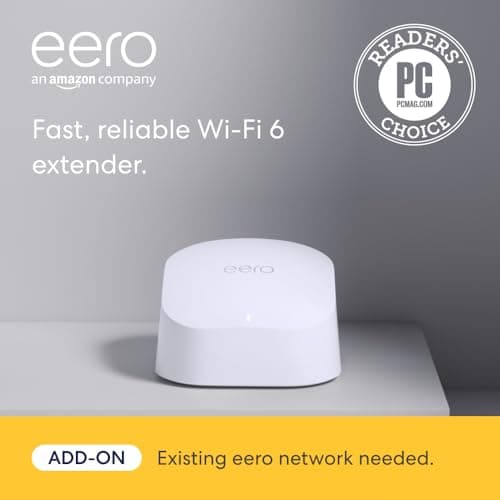
Most Wi-Fi extenders are router-agnostic and work over standard Wi-Fi, but features like seamless roaming require matching ecosystems — TP-Link OneMesh/EasyMesh with TP-Link routers, or the eero 6 extender with an existing eero mesh system. Reviewers repeatedly flag that the eero extender is not a standalone product and requires an eero base.