VerdictAI

Buying guide · 2026

Best Wireless Keyboards (Productivity)

Productivity-focused wireless keyboards are judged less on flash than on day-after-day comfort, multi-device switching, and battery life. This roundup synthesizes what high-trust reviewers like RTINGS, TechGearLab, PCMag, and Wirecutter-tier specialists, along with verified-purchase customers at Amazon and Best Buy, have written about the leading options. The picks below reflect that trust-weighted consensus, not first-person testing on our part.

Sources behind this synthesis

38 reviewers read. Weighted by trust.

We don’t review products. We read what other reviewers wrote, score each source for trustworthiness, and synthesize the consensus.

How sources are scored →

Trust mix

No flagged sources

Trusted3trustedMixed19mixed

Trusted contributors

r/MechanicalKeyboardsBest Buy customersr/buildapc
Show all 15 other sources →
r/macr/buildapcsalesr/keyboardsYouTube · YouTubePCMagYouTube · My First Ergonomic Keyboard!CNETr/NoShillReviewsr/macminir/readbeforebuyingYouTube · AT LASTr/logitechr/pcmasterraceYouTube · Unboxing & ReviewYouTube · 2024

By source type

Expert
3
Retailer
1
Community
18
Video
16

At a glance

Our top pick

#1 of 5
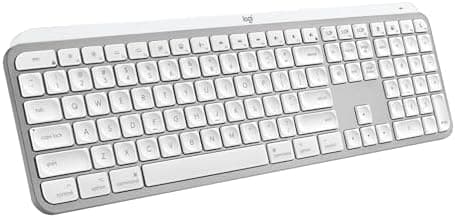
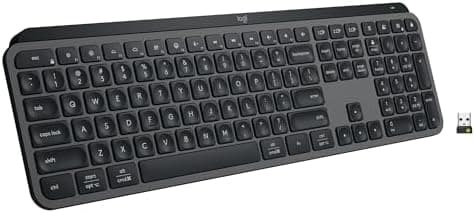
Top pick · #1Logitech MX Keys S Wireless Keyboard, Low Profile, Fluid Precise Quiet Typing, Programmable Keys…
Best overall

Logitech MX Keys S Wireless Keyboard, Low Profile, Fluid Precise Quiet Typing, Programmable Keys…

★★★★★4.4(3,508)88Great

Across the reviewers we read, the Logitech MX Keys S is the most-recommended low-profile productivity keyboard at the premium-but-not-luxury tier. TechGearLab (high-trust) calls it a stylish, unassuming pick for anyone who values comfort, quiet, and an enjoyable typing experience, and AppleInsider's reviewer goes as far as preferring its typing feel to Apple's own Magic Keyboard.

The rest of the rankings

#2–5

Frequently asked

5 questions
What's the best wireless keyboard for working across a laptop, phone, and tablet?
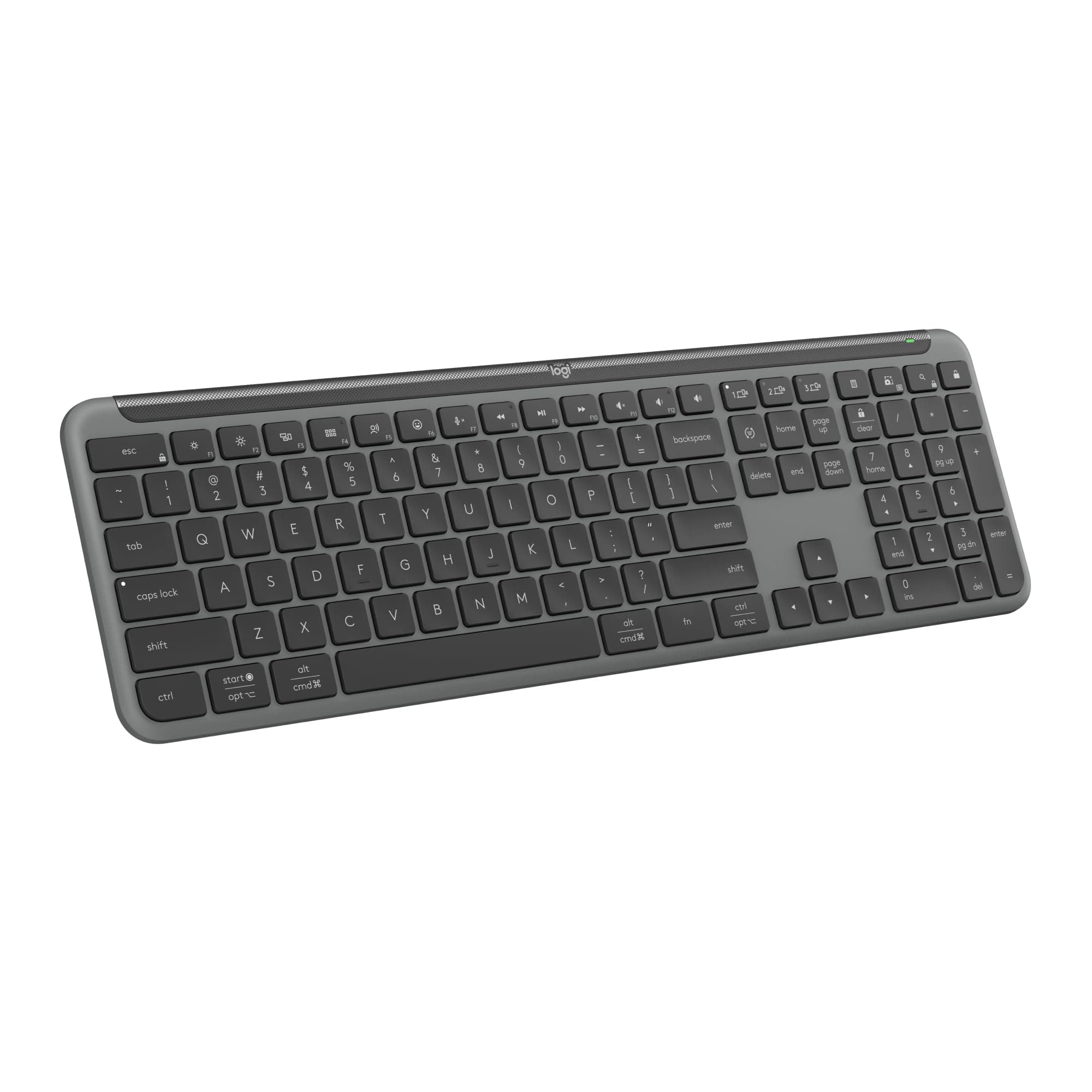
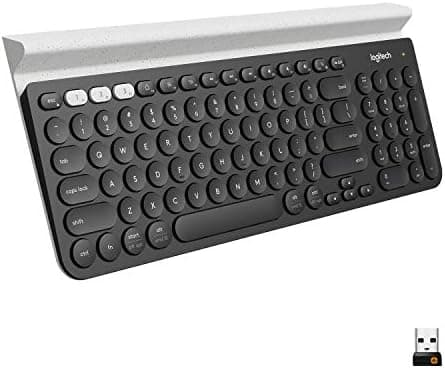
Reviewers consistently point to Logitech's multi-device family — the K780 and MX Keys S — because both support three-device Bluetooth switching and Logitech Flow. RTINGS specifically praised the K780's integrated tablet/phone cradle for desktop-plus-mobile workflows.
Mechanical or membrane for all-day typing?
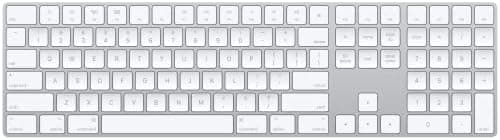
Across the reviewers we read, low-profile scissor or membrane boards like the MX Keys S and Apple Magic Keyboard dominate productivity recommendations because they're quieter and less fatiguing for long sessions. Mechanical wireless boards show up more often in gaming-leaning roundups.
Is the Apple Magic Keyboard worth it over a third-party Mac keyboard?
CNET and TechGearLab praise the Magic Keyboard's typing feel and quiet operation, but PCMag and several Reddit threads note that Logitech's MX Keys S for Mac offers more features (multi-device switching, backlighting, programmable keys) at a similar price. The trade-off is feel vs. flexibility.
How long should a wireless productivity keyboard's battery last?
Battery life ranges widely. AA-powered Logitech boards like the MK270, K780, and Signature K650 advertise 24–36 months. Rechargeable Li-ion boards like the MX Keys S and Apple Magic Keyboard typically last weeks per charge but require periodic USB-C or Lightning top-ups.
Are split or ergonomic keyboards worth the learning curve?
PCMag, Hardware Canucks, and Apartment Therapy all describe the Logitech Ergo K860 as a meaningful comfort upgrade for heavy typists, particularly because of its integrated wrist rest. Reviewers note a short adjustment period but no remapping required since the layout is standard QWERTY.