VerdictAI

Buying guide · 2026

Best Wireless Mice (Productivity)

Productivity wireless mice live or die on three things: long-term comfort, reliable connection across devices, and quiet, accurate buttons for office use. To narrow the field, we read across high-trust sources including RTINGS, Wirecutter, Tom's Guide and CNET, plus verified-purchase retailer reviews and long-running r/MouseReview and r/logitech threads. The picks below reflect that trust-weighted consensus — not first-hand testing on our end.

Sources behind this synthesis

40 reviewers read. Weighted by trust.

We don’t review products. We read what other reviewers wrote, score each source for trustworthiness, and synthesize the consensus.

How sources are scored →

Trust mix

No flagged sources

Trusted3trustedMixed20mixed

Trusted contributors

Best Buy customers
Show all 17 other sources →
r/logitechYouTube · The Best Mouse for Creators?YouTube · YouTubeYouTube · Haptic Feedback is Simply Brilliant!YouTube · Best Mouse For Coding?r/MouseReviewYouTube · 6 Months LaterYouTube · for ...CNETr/buildapcsalesr/pcmasterracer/readbeforebuyingYouTube · Full Reviewr/SiegeAcademyr/AmazonDealHubr/dapsCAYouTube · Review

By source type

Expert
1
Retailer
3
Community
19
Video
17

At a glance

Our top pick

#1 of 5
Top pick · #1Logitech MX Master 4, Ergonomic Wireless Mouse with Advanced Performance Haptic Feedback, Ultra-Fast…
Best overall

Logitech MX Master 4, Ergonomic Wireless Mouse with Advanced Performance Haptic Feedback, Ultra-Fast…

★★★★★4.3(1,299)87Great

Across the reviewers we read, the Logitech MX Master 4 lands as the new benchmark for premium productivity mice. The Best Buy verified-purchase summary (high-trust retailer) highlights a sculpted right-handed shape that holds up over long work sessions, quiet clicks suited to shared offices, and an improved coating that owners expect to wear better than prior MX Master generations.

The rest of the rankings

#2–5

Frequently asked

5 questions
Is a vertical ergonomic mouse actually better for wrist pain?
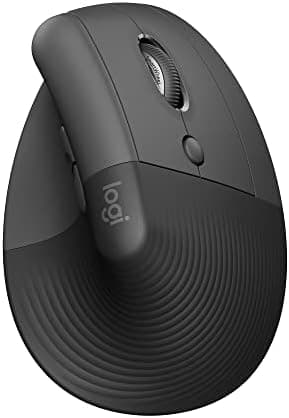
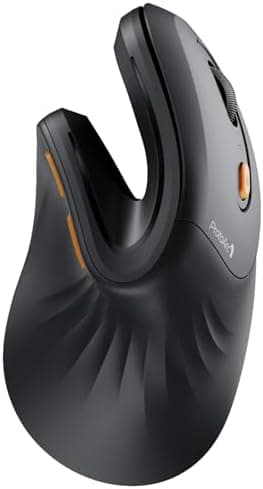
Across reviewers like RTINGS, Tom's Guide and clinically-minded Reddit threads, vertical mice consistently get credit for reducing forearm pronation and easing wrist strain during long workdays. The trade-off most reviewers note is a 1–3 day adjustment period and slower precision work, so they are a stronger fit for office tasks than for detailed design or gaming.
What's the difference between a 2.4GHz USB dongle and Bluetooth on a productivity mouse?
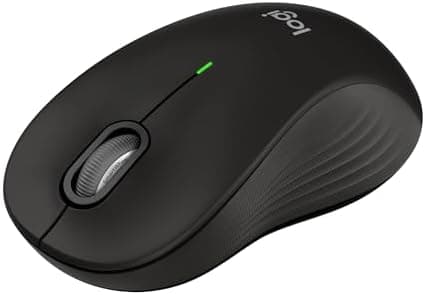
Reviewers generally describe 2.4GHz USB dongles as more responsive and plug-and-play, while Bluetooth saves a USB port and supports switching between phones, tablets and laptops. Mice that offer both — like the Logitech Lift, MX Master 4 and Signature M550 — are typically recommended for users who bounce between multiple devices.
Are silent-click mice worth it for office work?
Best Buy verified purchasers and Logitech-focused Reddit threads consistently praise silent or 'quiet click' switches for shared offices, video calls and libraries. The most common complaint is that the tactile feedback feels mushier than traditional clickers, which a few reviewers say takes getting used to.
How long should a productivity wireless mouse's battery actually last?
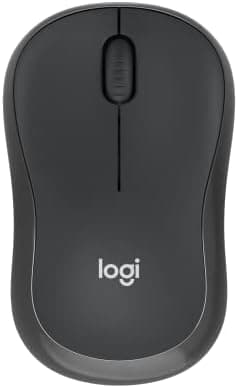
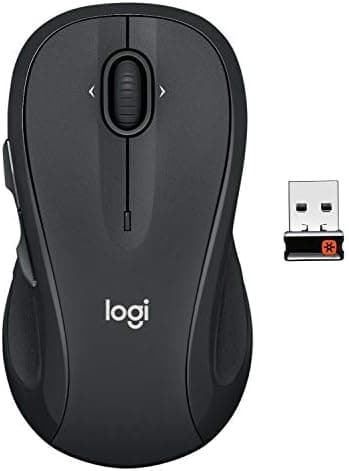
For AA-powered models like the Logitech M185, M510 and M550 L, Logitech's 12–24 month claims line up with what long-term Reddit owners report. Rechargeable models like the MX Master 4 and MX Vertical are typically cited at multiple weeks per charge in normal use.
Do I need a high-DPI mouse for productivity?
Reviewers at RTINGS and Wirecutter repeatedly note that DPI matters far less for office work than ergonomics, click quality and scroll wheel design. A 1000–1600 DPI mouse is generally sufficient unless you also game or work across very high-resolution multi-monitor setups.