VerdictAI

Reviewer consensus · 2026

Best Cable Management Trays of 2026What 50 reviewers actually think, trust-weighted

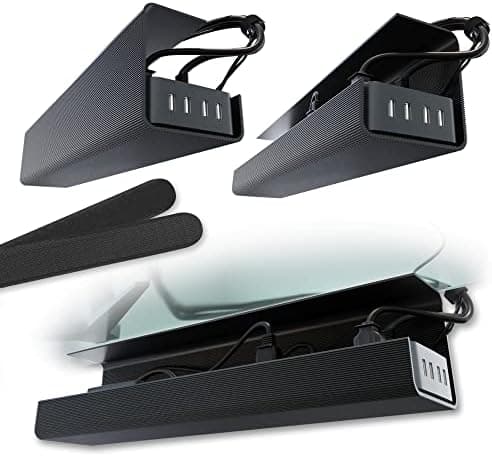
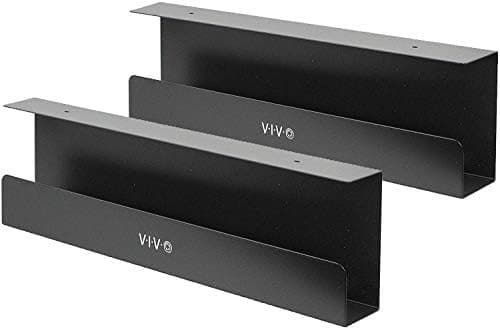
Cable management trays span a surprising range of form factors: under-desk J-channels that stick straight to the desktop, clamp-on metal or fabric baskets that hold a power strip, and wall-mounted raceways for hiding TV cords. The synthesis below weighs verified-purchase volume on major retailers against discussion in specialist subreddits like r/DeskCableManagement and r/StandingDesk, since mainstream tech press rarely tests this category in depth. Treat it as a trust-weighted consensus of what reviewers and owners are actually saying, not a hands-on bench test.

Sources behind this verdict

50 reviewers, weighted by source trust

50reviewers read

Weighted by source trust

We don’t review products. We read what other reviewers wrote, score each source for trustworthiness, and synthesize the consensus.

How sources are scored →

At a glance

Highest-rated by the consensus

#1 of 5
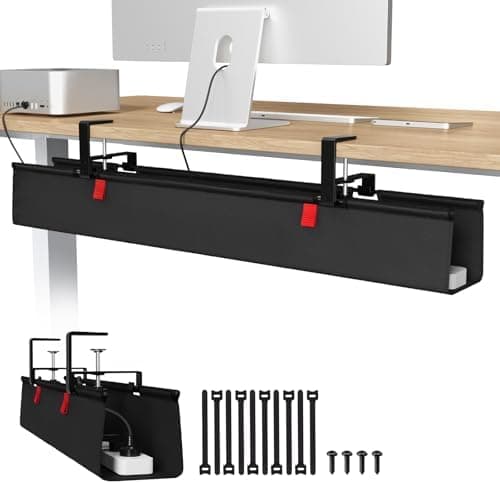
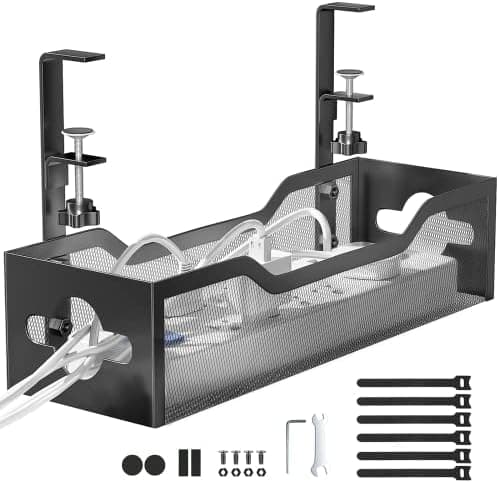
Top pick · #1Under Desk Cable Management Tray No Drill, Metal Mesh Cable Management Under Desk with Clamp Mount, 2 Hole…
Best overall

Under Desk Cable Management Tray No Drill, Metal Mesh Cable Management Under Desk with Clamp Mount, 2 Hole…

Litwaro

★★★★★4.7(3,054)86Great

Across the reviewers we read, this clamp-mount metal mesh tray is the most-recommended budget-to-midrange pick for a standard fixed or sit-stand desk. The Amazon listing's 4.7-star average over roughly 3,000 verified reviews is echoed by a Home Depot product page citing a 15 lb load rating and a no-drill side-clamp install that owners describe as a three-minute job.

The rest of the rankings

#2,5

Frequently asked

5 questions
Do I need to drill into my desk to install a cable management tray?
No. The majority of popular trays use either a clamp mount (which grips the desk edge with thumbscrews) or strong 3M-style adhesive. Clamp mounts are generally preferred for heavier loads like power bricks, while adhesive J-channels work for lighter cable runs and rental-friendly installs. Most candidates here offer screw mounting as an optional upgrade for permanent setups.
Will a cable tray work with a sit-stand or motorized standing desk?
Yes, and it's actually where trays matter most, since loose cables can snag on the lift mechanism. Reviewers consistently recommend clamp-on or screw-mounted metal or fabric trays for standing desks because adhesive can fail under the repeated motion and weight shifts. Look for a tray long enough to corral a power strip plus all device bricks so nothing dangles.
Fabric, metal mesh, or plastic J-channel — what's the difference?
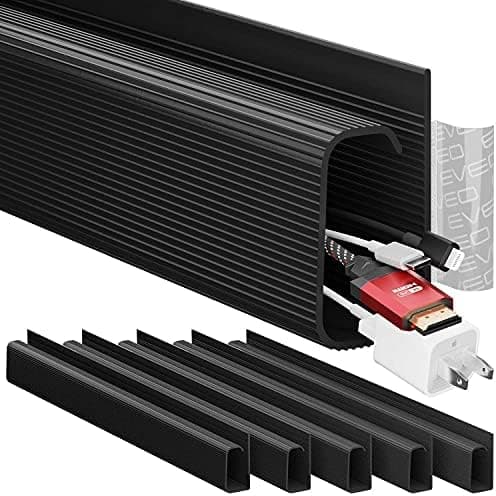
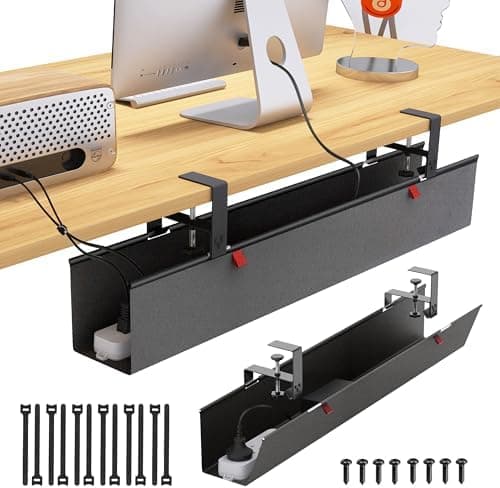
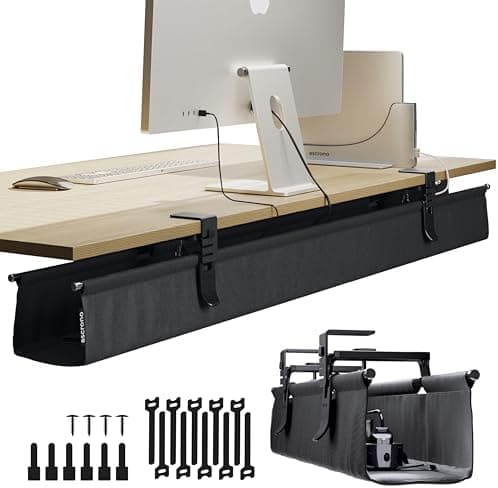
Plastic J-channels are the cheapest and stick directly under the desktop, but they have limited depth and rely on adhesive. Metal mesh trays carry the most weight and ventilate heat from power bricks well, though some reviewers note they can scratch desks and are awkward to route. Fabric trays hide cables most cleanly and are gentle on furniture, but they're harder to access once everything is loaded.
Can a cable tray hold a power strip and a laptop charger brick?
Most clamp-on metal and fabric trays in this roundup are rated for 10–15 lbs and can hold a standard power strip plus several adapters. Plastic adhesive J-channels typically cannot — they're sized for cables only. If you want everything off the floor, prioritize a tray explicitly marketed as a 'power strip holder' with a closed back or basket shape.
Will adhesive cable trays or raceways damage my paint or desk finish?
This is the single most common complaint in community threads. Reviewers in r/DeskCableManagement and r/hometheater repeatedly warn that any adhesive strong enough to hold cable weight is strong enough to pull paint or veneer when removed. Renters and anyone with delicate finishes should favor clamp-mount trays over adhesive ones, or test the adhesive on a hidden spot first.