VerdictAI

Reviewer consensus · 2026

Best Under-Desk Keyboard Trays of 2026What 31 reviewers actually think, trust-weighted

Under-desk keyboard trays remain one of the cheapest ergonomic upgrades you can make, but quality varies wildly between $40 clamp-on drawers and $300 fully articulating arms. This roundup synthesizes the consensus from mainstream tech press, specialist ergonomics communities, and verified-purchase reviewers across major retailers, weighting independent and high-trust sources above retailer marketing copy. Where reviewers disagree, we surface the conflict rather than smoothing it over.

Sources behind this verdict

31 reviewers, weighted by source trust

31reviewers read

Weighted by source trust

We don’t review products. We read what other reviewers wrote, score each source for trustworthiness, and synthesize the consensus.

How sources are scored →

Trust hierarchy

Trusted2
Verified0
Supporting8
Flagged0

Source mix

31signals
  • 1Retailer
  • 18Community
  • 12Video

Trusted · 2 sources

Independent · documented methodology

At a glance

Highest-rated by the consensus

#1 of 3
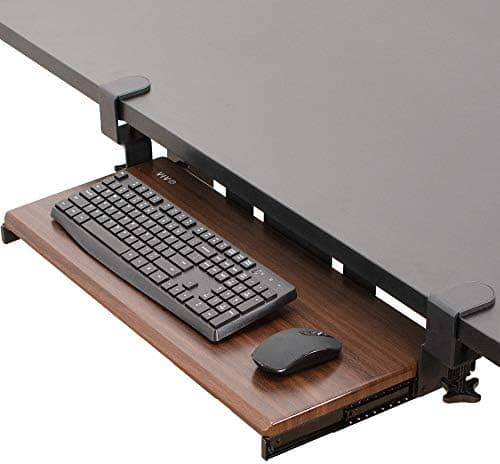
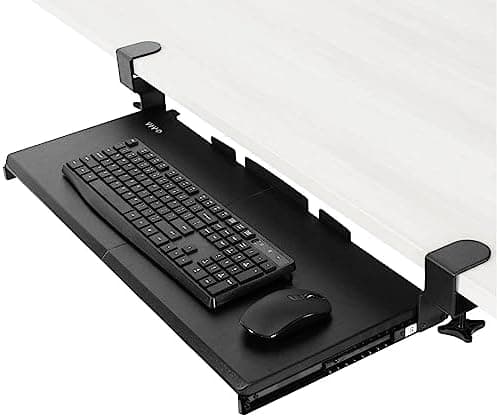
Top pick · #1VIVO Large Keyboard Tray Under Desk Pull Out with Extra Sturdy C Clamp Mount System, 27 (33 Including Clamps)…
Best overall

VIVO Large Keyboard Tray Under Desk Pull Out with Extra Sturdy C Clamp Mount System, 27 (33 Including Clamps)…

★★★★★4.4(13,889)88Great

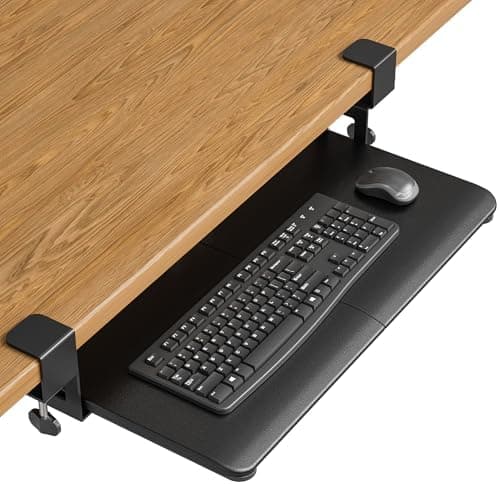
Across the reviewers we read, the VIVO MOUNT-KB05E is the default recommendation when people ask for a no-drilling under-desk tray that just works. The amazon.com and walmart.com listings show consistent praise for the C-clamp installation, the 27-inch platform width that fits a full keyboard plus mouse, and a smooth slide track.

The rest of the rankings

#2,3

Frequently asked

5 questions
Do I need to drill into my desk to install a keyboard tray?
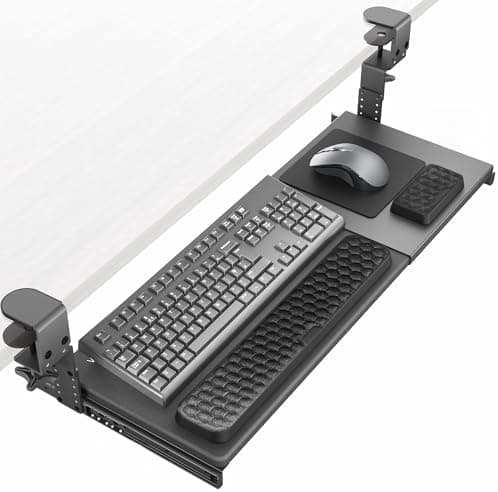
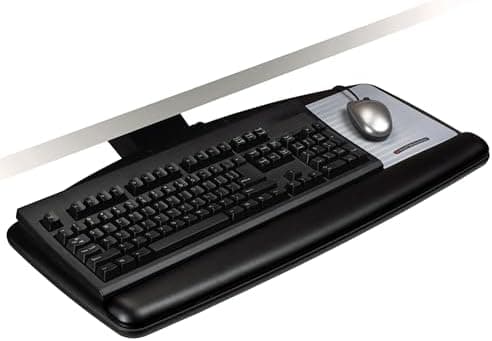
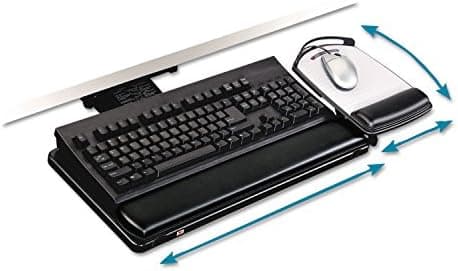
No. Clamp-on (C-clamp) trays like the VIVO MOUNT-KB05E and BONTEC KMT01 attach without drilling and are the most common choice for renters or anyone uncomfortable putting holes in their desk. Drill-mounted trays from brands like 3M tend to be sturdier and offer more adjustability, but they require a desktop thick enough to take screws and a surface you don't mind modifying.
Will a clamp-on keyboard tray fit my standing desk?
It depends on the desk's crossbar and frame layout. Specialist subreddit threads repeatedly note that some standing desks have a center support pole or thick frame skirt that prevents clamp-on trays from sitting flush. Measure the clear span under the desktop before buying, and check whether the tray's track will retract fully without hitting the frame.
What's the difference between positive and negative tilt, and which do I want?
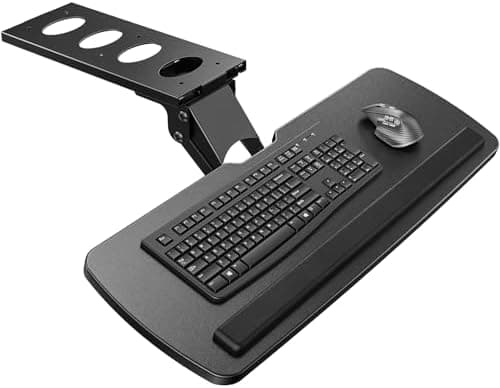
Positive tilt angles the back of the keyboard up; negative tilt angles it down, which most ergonomics resources and specialist communities consider better for wrist posture when your elbows are at or above keyboard height. If neutral wrist alignment is a priority, look for a tray that explicitly supports negative tilt rather than only a flat or positive-tilt platform.
Are budget clamp-on trays sturdy enough for heavy mechanical keyboards and gaming mice?
Mostly yes for typical use, but reviewers consistently flag flex and slow loosening over time on sub-$50 trays. Verified-purchase reviewers report needing to periodically retighten clamps, and a high-trust r/Ergonomics thread specifically warns that VIVO clamp screws can work loose. Heavier setups (large desk mats, full-size boards, weighted mice) benefit from a drill-mounted tray or a model rated for higher loads.
Is a $200+ 3M or Humanscale-style tray worth it over a $50 clamp-on?
For occasional typing, no. For 8-hour-a-day knowledge workers with existing wrist or shoulder issues, specialist ergonomics communities consistently say yes, citing the wider adjustment range, real negative tilt, lift-to-adjust mechanisms, and dramatically better durability. The premium trays are the ones reviewers describe as outlasting the desk they're bolted to.