VerdictAI

Reviewer consensus · 2026

Best Single Monitor Arms of 2026What 10 reviewers actually think, trust-weighted

Single monitor arms range from sub-$20 spring mounts to premium gas-spring articulating arms built for heavy ultrawides, and the consensus we synthesized leans heavily on Amazon verified-purchase volume because independent lab coverage of this category is sparse. Across the reviewers and specialist communities we read, the recurring themes are stability under load, smooth tension adjustment, and cable management, with the gap between budget and premium arms showing up most in long-term durability. The picks below summarize that trust-weighted consensus rather than any hands-on testing of our own.

Sources behind this verdict

10 reviewers, weighted by source trust

10reviewers read

Weighted by source trust

We don’t review products. We read what other reviewers wrote, score each source for trustworthiness, and synthesize the consensus.

How sources are scored →

Trust hierarchy

Trusted1
Verified0
Supporting5
Flagged0

Source mix

10signals
  • 6Community
  • 4Video

Trusted · 1 source

Independent · documented methodology

At a glance

Compare

Pick any two for a head-to-head

Scores, pros, cons, and our verdict — side by side.

vs

Highest-rated by the consensus

#1 of 7
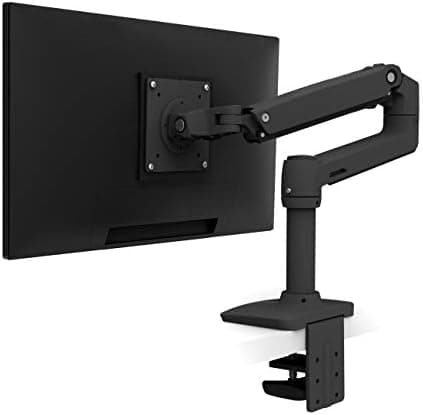
Top pick · #1Ergotron LX Monitor Arm, Single Monitor Desk Mount – fits Flat Curved Ultrawide Computer Monitors up to 34…
Best overall

Ergotron LX Monitor Arm, Single Monitor Desk Mount – fits Flat Curved Ultrawide Computer Monitors up to 34…

★★★★★4.7(10,928)88Great

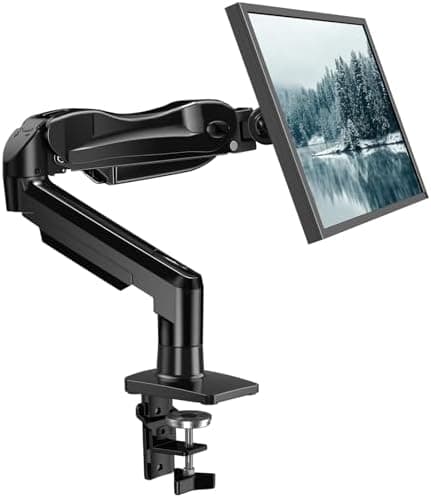
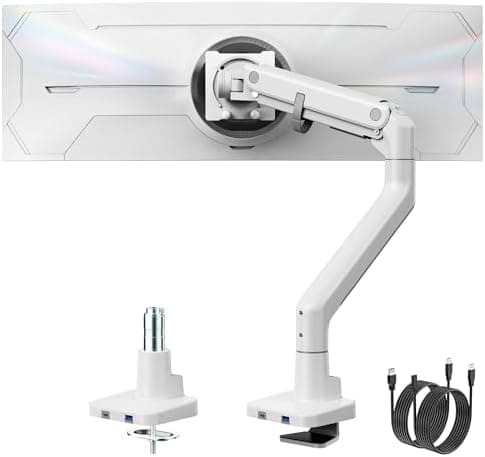
Across the verified-purchase reviewers we read, the Ergotron LX single arm carries the most decisive consensus of any single monitor mount here, with a 4.7 average over roughly 10,900 Amazon ratings. The recurring praise centers on its constant-force gas-spring mechanism holding position reliably over long-term daily use and offering a wide articulation range, which is the exact area where cheaper arms tend to drift.

The rest of the rankings

#2,7

Frequently asked

5 questions
Clamp mount or grommet mount — which should I choose?
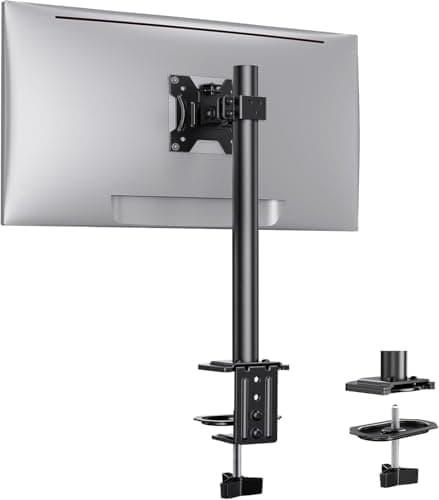
Most single arms ship with both a C-clamp and a grommet base. Reviewers favor the clamp for desks with a usable rear edge under about 2 inches thick, and the grommet mount when you have (or can drill) a pass-through hole for a more permanent, flush install. Verified-purchase reviewers note clamp installs are faster but can mar thin or hollow desktops without the included backing plate.
Will a budget monitor arm hold a 32-inch or ultrawide monitor?
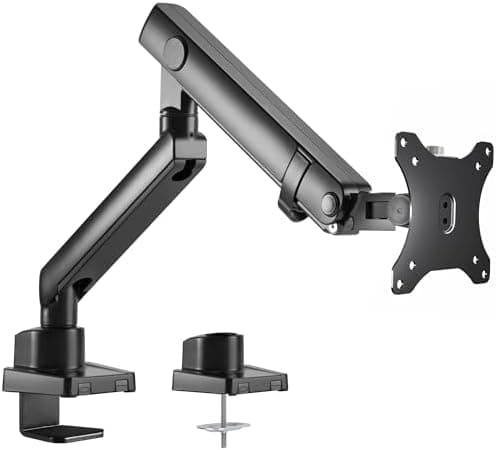
It depends on weight, not just screen size. Budget arms like HUANUO and Ergear are rated to roughly 17–20 lbs and handle many 27–32-inch panels, but community threads repeatedly flag sag and wiggle once you approach the top of the weight range. For heavy 34-inch-plus ultrawides (30+ lb), reviewers steer toward gas-spring heavy-duty arms rated to 40–60 lbs.
Are expensive arms like the Ergotron LX worth it over a $20 mount?
The trust-weighted consensus is that premium arms justify their price mainly through tension stability, range of motion, and longevity — Ergotron's CF (constant force) gas-spring design draws consistent praise for holding position over years of use. Budget arms satisfy most casual users but show more drift, cable-management compromises, and occasional QC issues over time.
What VESA pattern do these arms support?
Nearly every arm here supports both 75x75mm and 100x100mm VESA patterns, and several heavy-duty ultrawide models add 200mm support. Check that your monitor actually has VESA holes, since some thin or curved panels require a separate VESA adapter plate not always included.
Do monitor arms damage your desk?
With the included clamp or grommet hardware and the protective backing plate, reviewers report no damage on solid-surface desks. Risk rises on glass, thin laminate, or hollow-core desks; for those, verified-purchase reviewers recommend the grommet option or adding extra padding under the clamp.