VerdictAI

Reviewer consensus · 2026

Best Robotics Kits for Kids of 2026What 0 reviewers actually think, trust-weighted

Robotics kits for kids span screen-free crawlers for early learners all the way to Arduino-based cars that teach real programming. The candidate pool we reviewed is thin on independent expert testing, so this synthesis leans heavily on verified-purchase rating volume and averages from major-retailer listings, cross-checked for consistency rather than treated as a verdict. Where the signal is sparse, we say so plainly.

At a glance

Compare

Pick any two for a head-to-head

Scores, pros, cons, and our verdict — side by side.

vs

Highest-rated by the consensus

#1 of 7
Top pick · #1Sphero Bolt Coding Robot Ball, Ages 8+ | Beginner to Advanced Programming, Draw, Blocks, Javascript, or…
Best overall

Sphero Bolt Coding Robot Ball, Ages 8+ | Beginner to Advanced Programming, Draw, Blocks, Javascript, or…

Sphero

★★★★★4.7(1,299)86Great

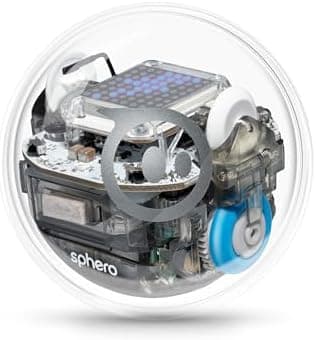
Across the verified-purchase reviews we read, the Sphero Bolt earns the strongest average in this group, 4.7 stars over roughly 1,300 ratings, which is notable for a $165 device where buyers tend to be demanding. The appeal reviewers describe is its range: it scales from draw-and-go and block coding up to JavaScript, with programmable sensors and an LED matrix that gives kids something visible to manipulate as they advance.

The rest of the rankings

#2,7

Frequently asked

4 questions
What is the best robotics kit for a beginner with no coding experience?
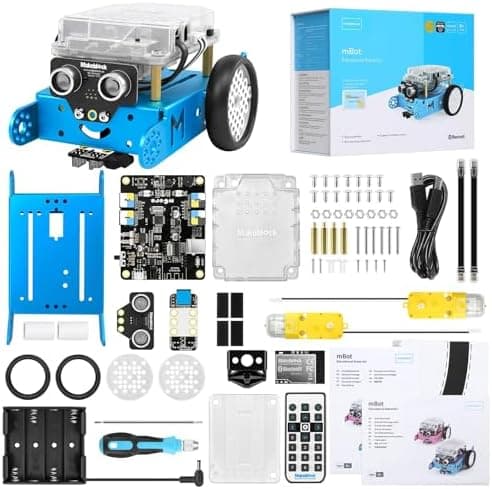
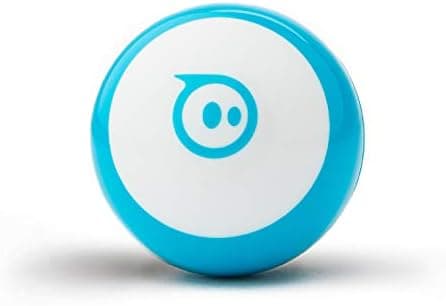
Verified-purchase signals point toward the Makeblock mBot and Sphero Mini for true beginners. Both pair a gentle hardware setup with block-based (Scratch-style) coding, and both carry large review counts with 4.6-star averages, which suggests consistent real-world satisfaction among first-time builders.
What age range do these robotics kits target?
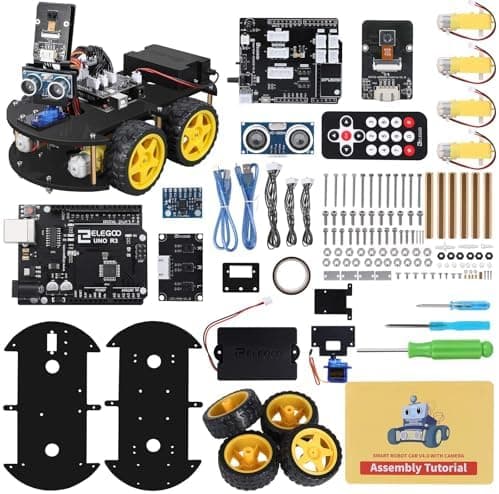
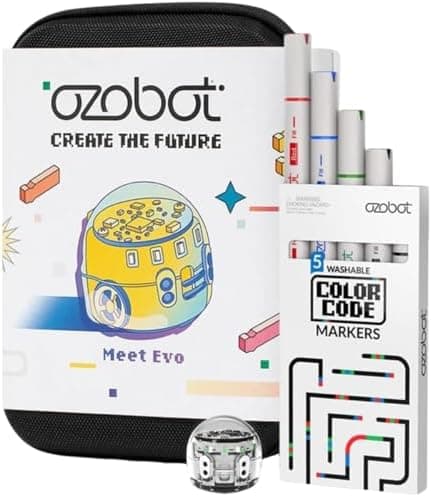
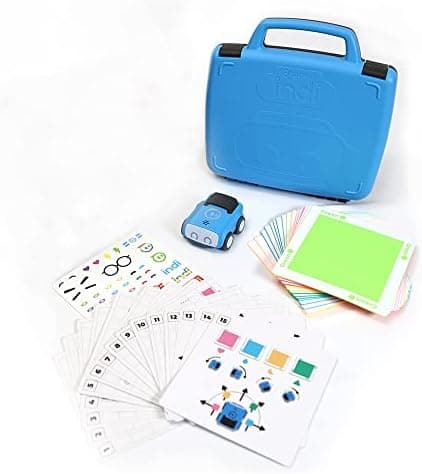
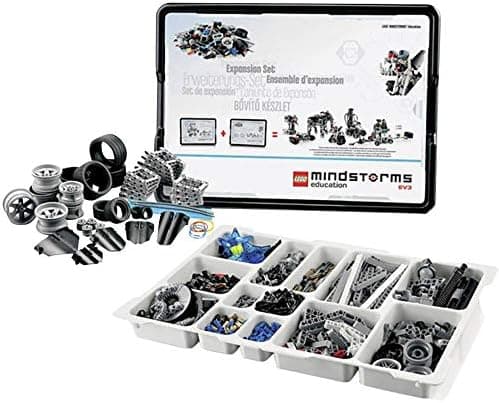
It varies widely. Sphero Indi is marketed for ages 4+ with screenless coding, Ozobot Evo for 5+, and mBot, Sphero Mini and Sphero Bolt for 8+. Arduino-based kits like the ELEGOO UNO R3 car and LEGO Mindstorms EV3 sets skew toward 10+ and motivated tweens because they involve more assembly and text-based logic.
Are screen-free coding robots worth it for younger kids?
For ages 4 to 7, screen-free options like Sphero Indi (color tiles) and Ozobot Evo (color-code markers) draw solid verified-purchase ratings because they introduce sequencing and logic without handing a child a tablet. They cost more per feature than app-only robots, which is the trade-off reviewers most often note.
Do I need to buy anything extra to use these kits?
Most app-controlled robots require a compatible smartphone or tablet, and LEGO Mindstorms expansion sets such as the EV3 45560 require a base set to function. Always confirm whether a kit is standalone or an add-on before buying, as several listings in this category are expansions rather than complete robots.