VerdictAI

Reviewer consensus · 2026

Best 4K Monitors of 2026What 71 reviewers actually think, trust-weighted

4K monitors now span everything from sub-$200 office panels to $800 OLED gaming displays, so we read across independent testing labs, mainstream tech press, verified-purchase retailer reviews, and specialist communities like r/Monitors and r/OLED_Gaming to synthesize where the consensus actually lands. The picks below weight high-trust testing sources most heavily and surface the disagreements honestly rather than smoothing them over. Note that we excluded one popular candidate that is actually a 1440p QHD panel, not true 4K.

Sources behind this verdict

71 reviewers, weighted by source trust

At a glance

Compare

Pick any two for a head-to-head

Scores, pros, cons, and our verdict — side by side.

vs

Highest-rated by the consensus

#1 of 7
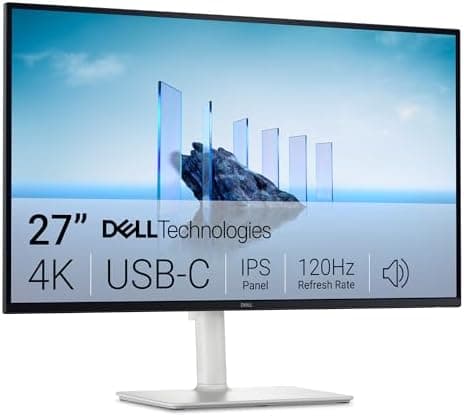
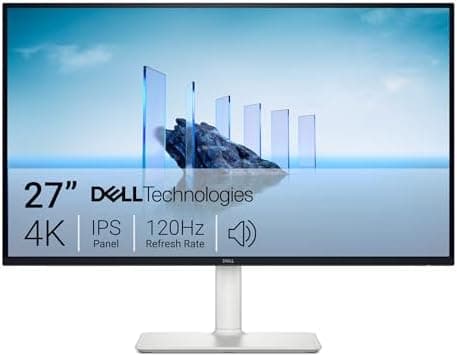
Top pick · #1Dell 27 Plus 4K Monitor - S2725QS - 27-inch 4K (3840 x 2160) 120Hz 16:9 Display, IPS Panel, AMD FreeSync…
Best overall

Dell 27 Plus 4K Monitor - S2725QS - 27-inch 4K (3840 x 2160) 120Hz 16:9 Display, IPS Panel, AMD FreeSync…

Dell

★★★★★4.4(865)89Great

Across the reviewers we read, the Dell S2725QS is the consensus all-rounder in this category. rtings.com calls it very good for editing, noting a very accurate sRGB mode that needs only minor calibration, while forum.pcmonitors.info frames it as an aggressively priced panel that works well for productivity with a bit of gaming on the side.

The rest of the rankings

#2,7

Frequently asked

4 questions
Is a 27-inch or 32-inch 4K monitor better?
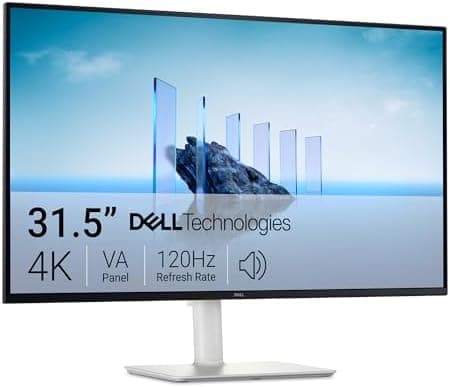
It depends on use. Across the reviewers we read, 27-inch 4K delivers the highest pixel density (sharpest text, no scaling required) and is favored for desk-distance productivity and gaming. 32-inch 4K trades some sharpness for more usable screen area, which community threads say suits media and multitasking, though some 32-inch VA panels draw complaints about viewing angles. If you sit close and want crispness, 27-inch wins; if you want immersion and desk real estate, 32-inch is the call.
Do I need more than 60Hz on a 4K monitor?
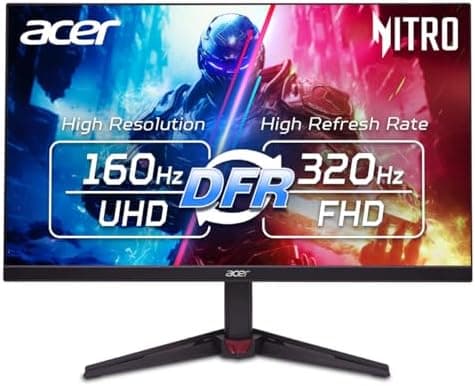
For pure office work, 60Hz is fine, but multiple reviewers and specialist-community posts note that 120Hz makes general desktop navigation noticeably smoother and is increasingly available at the same price as old 60Hz panels. Gamers will want 120Hz minimum, with 160Hz and dual-mode OLED options for fast-paced play. The jump from 60Hz to 120Hz is the one most reviewers describe as worth paying for.
Which 4K monitor is best for a one-cable laptop setup?
Look for USB-C with Power Delivery. The Dell S2725QC stands out in the reviews we read for combining 4K at 120Hz with 65W USB-C charging, enough for light-to-medium laptops over a single cable, plus a built-in USB hub. Verified-purchase reviewers single it out as a clean docking-style setup.
Are budget 4K monitors good enough for color work?
For sRGB-based work, several affordable IPS panels here are praised by high-trust testing for accurate out-of-box sRGB. For wide-gamut or HDR-critical creative work, reviewers point toward OLED or wider-gamut DCI-P3 panels, and warn that cheaper monitors run dimmer and lack true HDR. Match the panel's gamut coverage to your actual workflow.