VerdictAI

Reviewer consensus · 2026

Best External SSDs of 2026What 60 reviewers actually think, trust-weighted

External SSDs span everything from pocketable 1TB drives to rugged 8TB workhorses and bleeding-edge USB4 units, and the consensus across mainstream tech press, specialist storage communities, and verified-purchase reviewers is far from unanimous. We read expert reviews, retailer verified-purchase feedback, and long-running creator and storage subreddits to weight each pick by source trust rather than marketing claims. One recurring theme worth flagging up front: reliability sentiment diverges sharply by brand and model, so we surface those disagreements rather than smoothing them over.

Sources behind this verdict

60 reviewers, weighted by source trust

At a glance

Compare

Pick any two for a head-to-head

Scores, pros, cons, and our verdict — side by side.

vs

Highest-rated by the consensus

#1 of 6
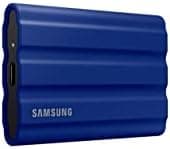
Top pick · #1SAMSUNG T7 Shield 2TB Portable SSD, USB 3.2 Gen2, Rugged, IP65 Rated, for Photographers, Content Creators and…
Best overall

SAMSUNG T7 Shield 2TB Portable SSD, USB 3.2 Gen2, Rugged, IP65 Rated, for Photographers, Content Creators and…

★★★★★4.7(16,315)87Great

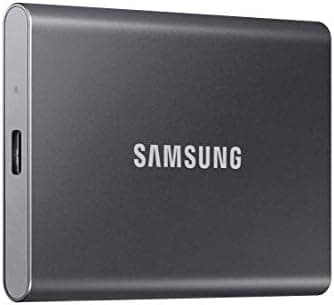
Across the reviewers we read, the Samsung T7 Shield is the most consistently recommended all-rounder in this pool. Expert writeups at shuttermuse and australianphotography highlight its rugged build, citing drop protection and an IP65 dust/water rating that builds on the original T7 formula for a modest price bump.

The rest of the rankings

#2,6

Frequently asked

4 questions
Are SanDisk Extreme portable SSDs reliable?
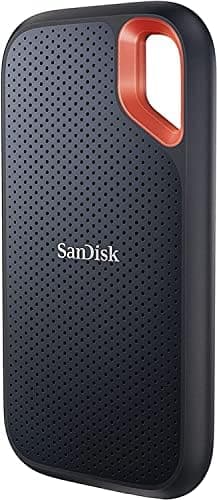
This is the most contested question in the category. Specialist subreddits like r/videography and r/editors host repeated reports of SanDisk Extreme and Extreme Pro drives losing their filesystem after sustained writes, and a firmware update was issued in response. At the same time, expert reviewers and many verified-purchase buyers report years of trouble-free use. The pattern that emerges is high performance paired with inconsistent reliability, so reviewers across the board stress keeping a separate backup regardless of brand.
Do I need a USB4 or Thunderbolt SSD, or is USB 3.2 enough?
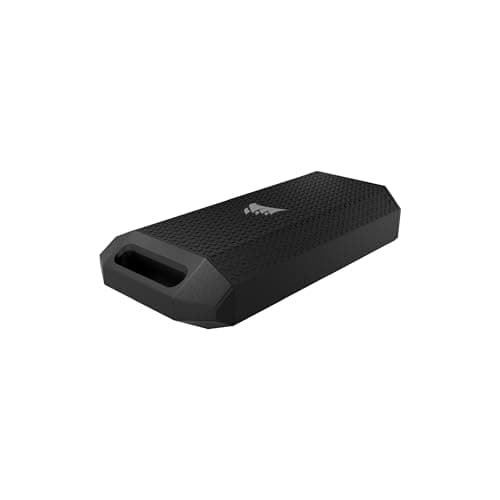
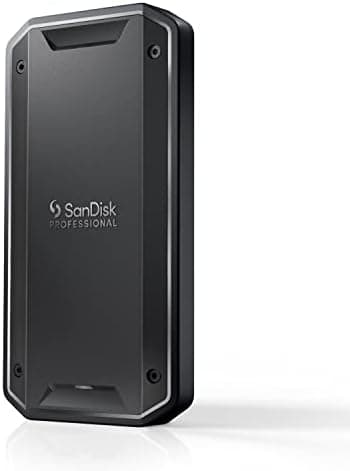
For most laptops and everyday transfers, reviewers note that a USB 3.2 Gen 2 drive (around 1,000MB/s) is the practical sweet spot. USB4 and Thunderbolt drives like the Corsair EX400U and SanDisk PRO-G40 can hit 3,000-4,000MB/s, but communities including r/UsbCHardware and r/MacOS point out that you need a matching host port to see those speeds, and that many Macs fall back to slower modes. Buy the faster interface only if your workflow genuinely moves huge files and your host supports it.
Which external SSD is best for video editing and large files?
For working off the drive, reviewers favor sustained-write consistency and durability over peak burst speed. Rugged options with IP ratings (the Samsung T7 Shield) and Thunderbolt/USB4 pro drives (SanDisk PRO-G40, Corsair EX400U) come up most often, with the caveat that all SSDs can throttle once their cache fills. Multiple creator threads recommend pairing any single drive with a backup workflow.
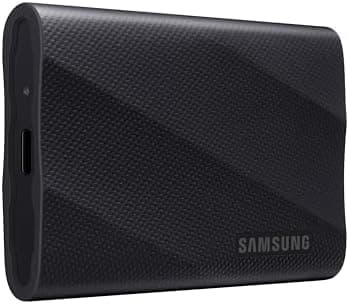
Why do some external SSDs slow down during long transfers?
Reviewers across storage communities explain this as cache exhaustion: drives write quickly into a fast SLC cache, then drop to a lower sustained rate once it fills. The r/MacOS discussion of the Samsung T9, for example, notes speeds can fall toward older T5-class rates after the cache is saturated. It's normal behavior, but it matters most for very large continuous transfers.