
VerdictAI

Reviewer consensus · 2026

Best Trackball Mice of 2026What 11 reviewers actually think, trust-weighted

Trackball mice trade desk-sweeping motion for a stationary ball you spin with thumb or fingers, a swap that ergonomics-minded shoppers and tight-desk users keep coming back to. This roundup synthesizes what verified-purchase reviewers, mainstream tech press, and specialist trackball communities have written across the web, weighted by how trustworthy each source is. Signal depth varies widely in this category, so where a pick rests largely on aggregate retailer ratings rather than independent testing, we say so plainly.

Sources behind this verdict

11 reviewers, weighted by source trust

11reviewers read

Weighted by source trust

We don’t review products. We read what other reviewers wrote, score each source for trustworthiness, and synthesize the consensus.

How sources are scored →

Trust hierarchy

Trusted0
Verified0
Supporting5
Flagged0

Source mix

11signals
  • 1Press
  • 6Community
  • 4Video

At a glance

Compare

Pick any two for a head-to-head

Scores, pros, cons, and our verdict — side by side.

vs

Highest-rated by the consensus

#1 of 6
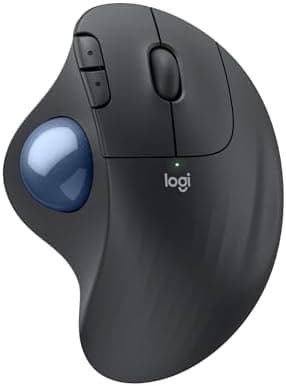
Top pick · #1Logitech Ergo M575S Wireless Trackball Mouse, Wireless Ergonomic Mouse with Bluetooth and Encrypted Dongle…
Best overall

Logitech Ergo M575S Wireless Trackball Mouse, Wireless Ergonomic Mouse with Bluetooth and Encrypted Dongle…

★★★★★4.6(2,004)87Great

Across the reviewers we read, the Logitech Ergo M575S is the default recommendation for anyone moving from a conventional mouse to a thumb-operated trackball. pcmag.com calls it a well-built, more ergonomic alternative to a traditional mouse, held back mainly by a one-size shell that won't fit every hand.

The rest of the rankings

#2,6

Frequently asked

4 questions
Are thumb-operated or finger-operated trackballs better?
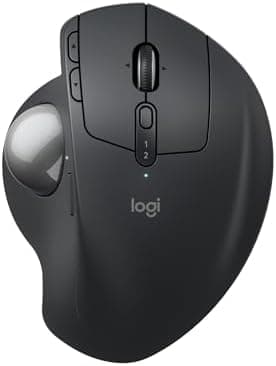
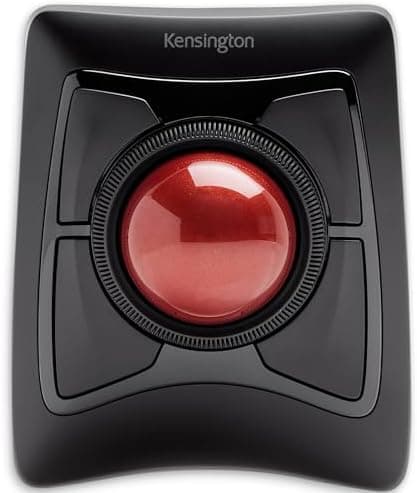
It depends on the work. Across the reviewers we read, thumb-operated trackballs like the Logitech Ergo M575/M575S are praised as the easiest transition from a traditional mouse and the most comfortable for all-day office use, since your wrist stays planted. Finger-operated, large-ball designs like the Kensington Expert are favored by reviewers for precision work and for distributing effort across multiple fingers, though they have a steeper learning curve.
Do trackballs actually help with wrist and RSI strain?
Many verified-purchase reviewers and YouTube reviewers describe trackballs as tension-reducing because the device stays still and only the ball moves. That said, reviewers consistently caution that comfort is highly hand-dependent and there is an adjustment period; some specialist-community members with large hands find certain low-profile shells less comfortable. A trackball is a credible option for reducing arm movement, not a guaranteed medical fix.
How much do I need to spend on a good trackball mouse?
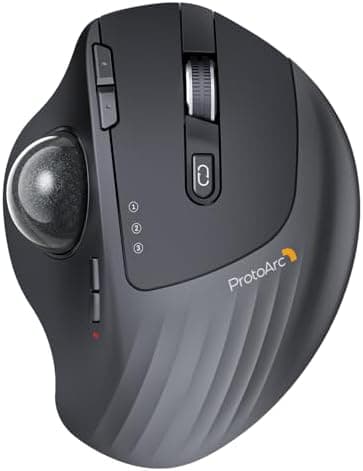
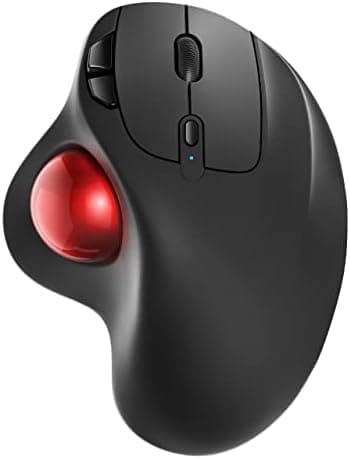
There is a wide price band. Budget thumb trackballs from brands like ProtoArc and Nulea sell around $28-$35 and carry large, mostly positive retailer rating pools, while Logitech's Ergo M575/M575S sits near $40 and the adjustable-tilt MX Ergo S and Kensington Expert run roughly $90. Higher price largely buys build quality, adjustable angles, and multi-device switching rather than dramatically better tracking.
Do trackball balls need cleaning, and can they be replaced?
Yes. Trackball owners across specialist communities note that the ball and its support bearings collect skin oils and dust, causing 'stiction' or grippy movement, and recommend periodic cleaning. Replacement balls (such as 34mm aftermarket balls) are widely available and fit many popular Logitech, Kensington, Elecom and Perixx models, letting owners swap in smoother or differently colored balls.