VerdictAI

Reviewer consensus · 2026

Best Ergonomic Split Keyboards of 2026What 51 reviewers actually think, trust-weighted

Ergonomic split keyboards range from contoured, fully programmable mechanical rigs aimed at RSI sufferers to friendly fixed-split membrane boards that just gently angle the key zones. This roundup synthesizes what reviewers across mainstream tech press, specialist ergo-mechanical communities and verified-purchase retailer reviews are actually saying about each model, weighted by source trust. Where high-tier specialist subreddits and independent reviewers disagree with marketing-friendly write-ups, we surface the conflict rather than smoothing it over.

Sources behind this verdict

51 reviewers, weighted by source trust

51reviewers read

Weighted by source trust

We don’t review products. We read what other reviewers wrote, score each source for trustworthiness, and synthesize the consensus.

How sources are scored →

At a glance

Highest-rated by the consensus

#1 of 5
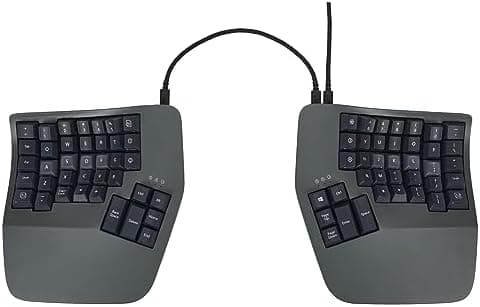
Top pick · #1KINESIS Advantage360 Split Ergonomic Keyboard - USB-C | Mechanical Switches | Fully Programmable | Contoured…
Best overall

KINESIS Advantage360 Split Ergonomic Keyboard - USB-C | Mechanical Switches | Fully Programmable | Contoured…

KINESIS

★★★★★4.3(360)88Great

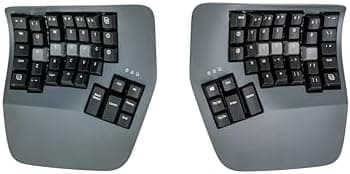
Across the reviewers we read, the Kinesis Advantage360 is treated as the reference point for serious ergonomic split keyboards. techpowerup.com calls it "the best ergonomic keyboard I've ever used," citing the contoured key wells, split design and adjustable tenting as the standout features, and appliedergonomics.com highlights the low-force tactile Gateron Brown switches with PBT dye-sub keycaps as evidence of a genuinely premium build.

The rest of the rankings

#2,5

Frequently asked

5 questions
Are ergonomic split keyboards actually worth it for RSI or wrist pain?
Across r/ErgoMechKeyboards and r/Ergonomics threads we read, long-term users consistently report meaningful reductions in wrist and forearm strain after a 2–6 week adjustment period, especially with tented or contoured designs. The benefit is largest when paired with proper desk height and posture; a split keyboard alone is not a medical fix.
What's the difference between a fixed split and a fully-separated split keyboard?
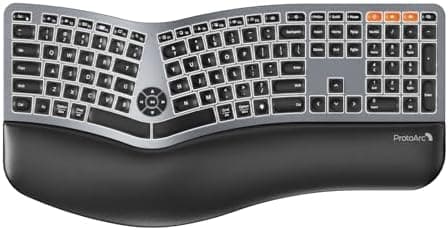
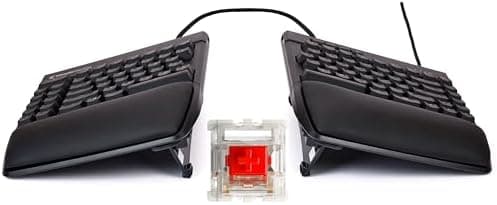
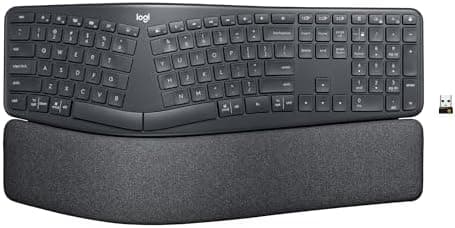
Fixed-split boards (like the Logitech Ergo K860 or Perixx PERIBOARD-512) angle the left and right halves on a single chassis, which is easier to adopt. Fully-separated splits (like the Kinesis Freestyle2 or Advantage360) let you place each half independently, which shoulder-width users and trackpad-in-the-middle setups benefit from most.
How long does it take to get used to a contoured key-well keyboard like the Kinesis Advantage?
Specialist subreddit consensus puts the adjustment period at roughly 2 to 8 weeks before typing speed returns to baseline. Several long-term owners report eventually typing faster than on a standard layout, while a minority never fully adapts — particularly typists with non-standard finger habits.
Do I need a mechanical split keyboard, or is membrane fine?
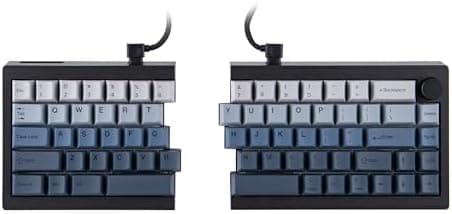
For pure ergonomics, the switch type is secondary to layout — many reviewers using the membrane-based Logitech K860 report excellent comfort. Mechanical split boards like the Kinesis Advantage360 or Mistel MD600 add typing feel, durability and (on programmable models) deep layer customization, at significantly higher prices.
Are budget split keyboards under $50 any good?
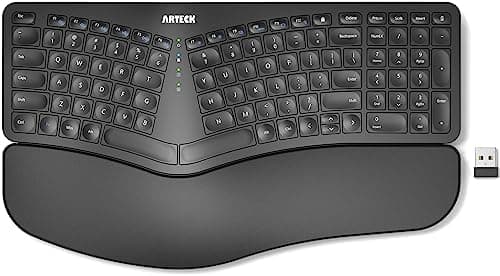
Reviewers generally say budget fixed-split boards like the Perixx PERIBOARD-512 and Arteck deliver the core ergonomic benefit at a fraction of the price, with the trade-offs being cheaper plastics, mushier key feel, and no real programmability. They're widely recommended as a low-risk way to test whether a split layout helps you before committing to a $300+ board.